
I remember the first time I hit OpenAI's 429 error during a production run. It was not just frustrating. It was expensive. A single misstep in retry logic ballooned a $300 job into a $1,200 headache overnight. The culprit? A burst of requests that respected the per-minute quota but ignored the per-second cap. And that is before we even talk about token limits, where hidden costs stack up faster than you would expect. If you have ever had to explain a surprise API bill to your boss, you know the pain.
Managing AI API rate limits is not just about avoiding HTTP errors. It is about balancing performance, cost, and reliability across multiple providers, each with its own quirks. OpenAI has sub-minute enforcement; Anthropic splits input and output tokens; Google Gemini resets quotas at midnight Pacific. Throw in multi-tenant architectures or batch workflows, and suddenly your simple retry logic feels like duct tape on a leaky pipeline.
This post covers the tools built to handle these challenges head-on. From LiteLLM Proxy's token-aware quotas to TrueFoundry's YAML-driven policies, here is what works, what does not, and where you might still get burned. If you are tired of patching together rate-limit fixes, keep reading.
Understanding AI API Rate Limits
What Are Rate Limits?
Rate limits are restrictions set by providers to control how often your application can make API calls within a specific timeframe. These limits are essential for preventing misuse, ensuring equitable access, and safeguarding infrastructure. Unlike standard REST APIs that usually track requests, AI APIs often monitor several dimensions simultaneously.
The four most common metrics you will encounter are Requests Per Minute (RPM), Tokens Per Minute (TPM), Requests or Tokens Per Day (RPD/TPD), and sometimes Images Per Minute (IPM) for multimodal endpoints. However, even these limits can be more restrictive in practice. For example, OpenAI advertises a 60,000 RPM limit, but it is effectively capped at 1,000 Requests Per Second (RPS). If your client sends a burst of requests at the start of a minute, you might hit an HTTP 429 error well before reaching the stated limit.
These multi-dimensional limits aren't just theoretical. They directly impact how APIs perform, as the next section shows.
Why Rate Limits Matter
Exceeding a rate limit triggers an HTTP 429 error, which can disrupt essential workflows. For batch jobs or agent loops, this means an immediate halt. Worse, repeated 429 errors can lead to escalating cooldown periods (1 minute, then 5, 25, and eventually 60 minutes) potentially locking out an entire organization.
The financial risks are equally severe.
"A single misconfigured API client can burn through $15,000 in 48 hours." (TrackAI)
This isn't just a theoretical caution. It stems from what is known as a retry storm: when a client, after receiving a 429 error, retries immediately without implementing a proper backoff strategy. Each retry consumes additional tokens, and the cumulative cost can balloon. In fact, retry attempts alone can increase the cost of a request by 1.5x to 3x.
For marketers managing large-scale workflows like nightly research scripts, automated content generation, or bulk data enrichment using Prompt-as-Code libraries, the risks multiply due to hidden token usage. System prompts can add 500 to 2,000 tokens per request, retrieval-augmented generation (RAG) context might tack on 1,000 to 10,000 tokens, and conversation history grows with every interaction. What seems like a low-cost request in isolation can turn into something 50 times more expensive when scaled. This is why many tools prioritize token-aware controls over simple request counting.
Your AI App Will CRASH Without This (Rate Limiting)
How to Evaluate Rate-Limiting Tools
Not every rate-limiting tool is designed with AI workloads in mind. Many general-purpose API gateways simply count requests, which falls short for AI APIs that require more nuanced tracking. Here is what to consider when evaluating these tools.
Multi-Provider Support
A good rate-limiting tool should work across multiple providers without needing separate configurations for each one. Look for provider-agnostic solutions, such as proxies or middleware layers, that normalize requests through a single interface. This simplifies switching models during outages and avoids embedding provider-specific logic into your application.
Token-Aware Controls
Basic request counting won't cut it for AI APIs, where a single call could consume a disproportionate number of tokens. The tool should monitor metrics like requests per minute (RPM) and tokens per minute (TPM) while enforcing input/output quotas. Features like reserve-and-refund mechanisms for streaming responses are particularly helpful in managing token usage efficiently.
Budget and Quota Enforcement
Effective tools enforce strict budget caps at various levels (user, project, session, or even globally). It is not enough to just log when a budget is exceeded; preemptive request blocking is essential. Prioritize tools that can halt requests before they breach limits. Additionally, threshold-based alerts at 50%, 80%, and 100% of your budget give you time to react before hard caps are reached.
Observability and Analytics
Usage data is far more useful when it is detailed. Instead of relying on a single token count, you need breakdowns by user, team, or project, along with metrics like latency and the status of circuit breakers in real time. Tools that integrate with platforms like Prometheus, OpenTelemetry, or StatsD let you fold these insights into existing Grafana dashboards, eliminating the need for separate monitoring setups. Accurate cost forecasting based on usage trends is also critical for managing monthly budgets effectively.
High-Demand Workload Support
When dealing with high traffic, the performance overhead of the rate limiter becomes a major factor. For example, in-memory stores add roughly 0.05 ms per check, Redis adds 1 to 2 ms, and HTTP-based stores like Upstash can add 10 to 20 ms. Redis is often the go-to choice for production environments due to its persistence and ability to coordinate limits across multiple instances, while in-memory stores are faster but lose state on restart. For handling burst traffic, make sure the tool supports priority queuing so user-facing requests are not delayed by background tasks. Some libraries can process over 15,000 requests per second using memory stores, making them suitable for high-demand scenarios.
These criteria provide a solid foundation for comparing rate-limiting tools, which the upcoming sections explore in more detail.
Top Tools for Managing AI API Rate Limits
The tools below are tailored for handling scalable AI workloads, focusing on features like multi-provider compatibility, token-aware controls, and budget enforcement.
LiteLLM Proxy
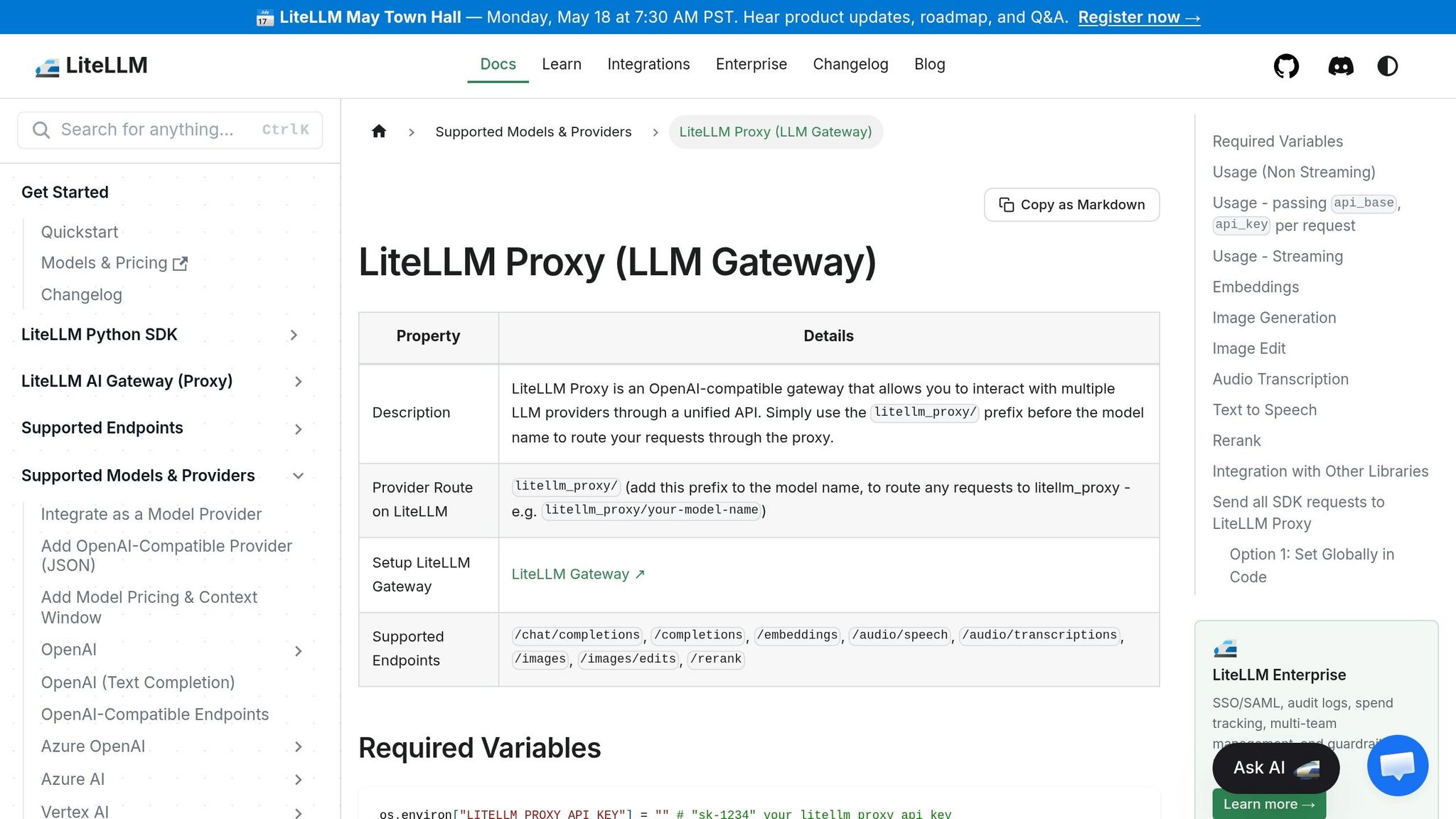
LiteLLM Proxy is a leading open-source solution, with over 1 billion requests served and more than 240 million Docker pulls as of early 2026. It supports access to more than 100 LLMs using the OpenAI input/output format, simplifying provider switching without altering application code.
The tool dynamically adjusts TPM and RPM quotas based on active API keys and reserves capacity by environment (e.g., 90% for production, 10% for development). Priority enforcement only activates when a model reaches a set saturation threshold (e.g., 50% of its RPM limit), minimizing throttling during low traffic. Spend caps and access control are managed through virtual keys.
However, advanced features like multi-team management and priority reservations are locked behind an enterprise license. The open-source version handles basic needs, but managing budgets across multiple teams requires upgrading to the enterprise tier.
Bifrost AI Gateway
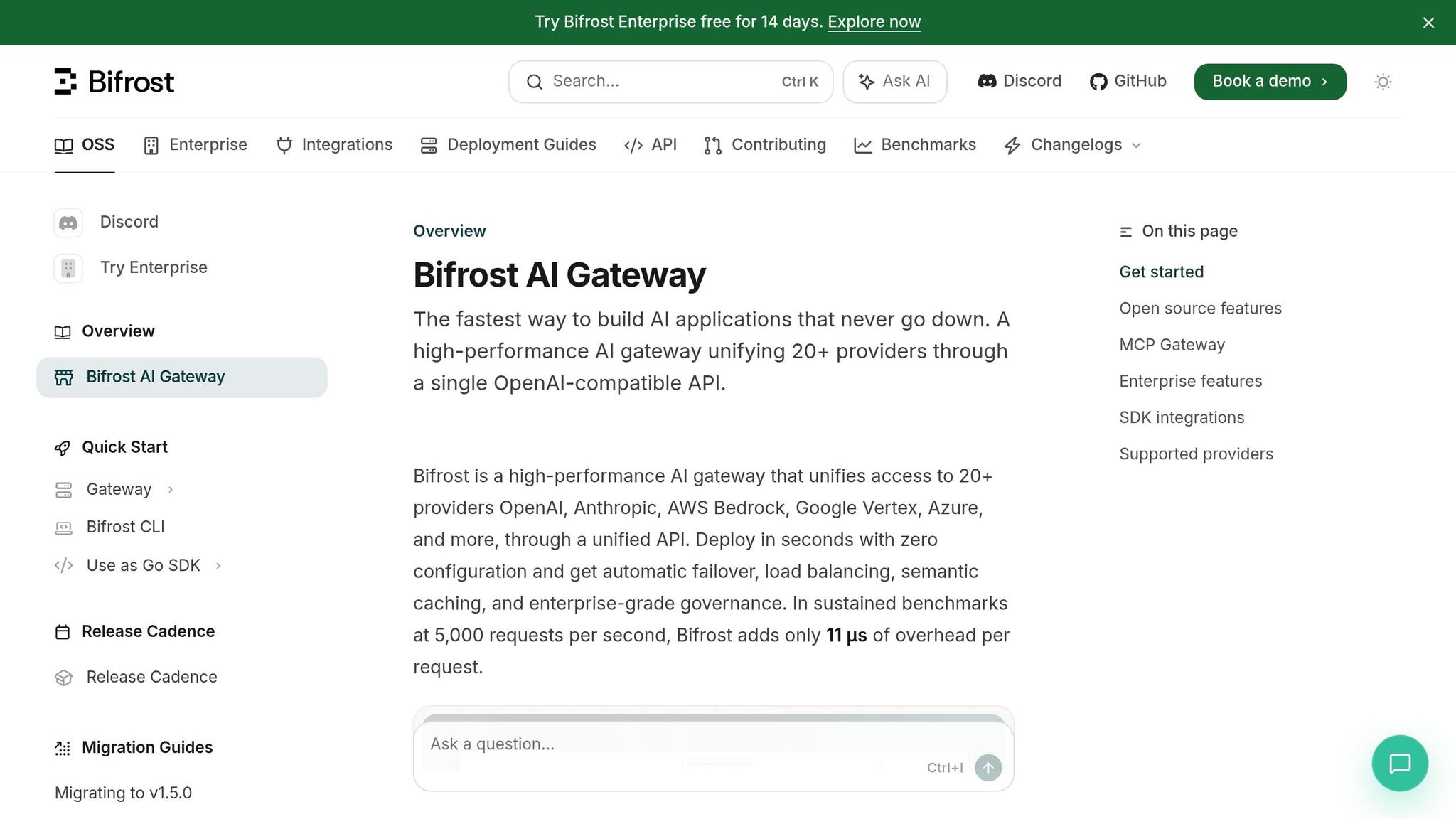
Bifrost, written in Go, is optimized for speed, with just 11 microseconds of overhead per request at 5,000 requests per second. It enforces rate limits hierarchically across virtual keys, teams, and customer levels, while offering adaptive load balancing and real-time health monitoring across providers.
Its semantic caching feature is particularly useful, cutting provider request volumes by 30 to 50% by serving repetitive queries from cache. This is a big advantage for high-volume tasks like RAG pipelines or chatbots with recurring queries. Bifrost's Enterprise tier includes a 14-day free trial.
TrueFoundry AI Gateway
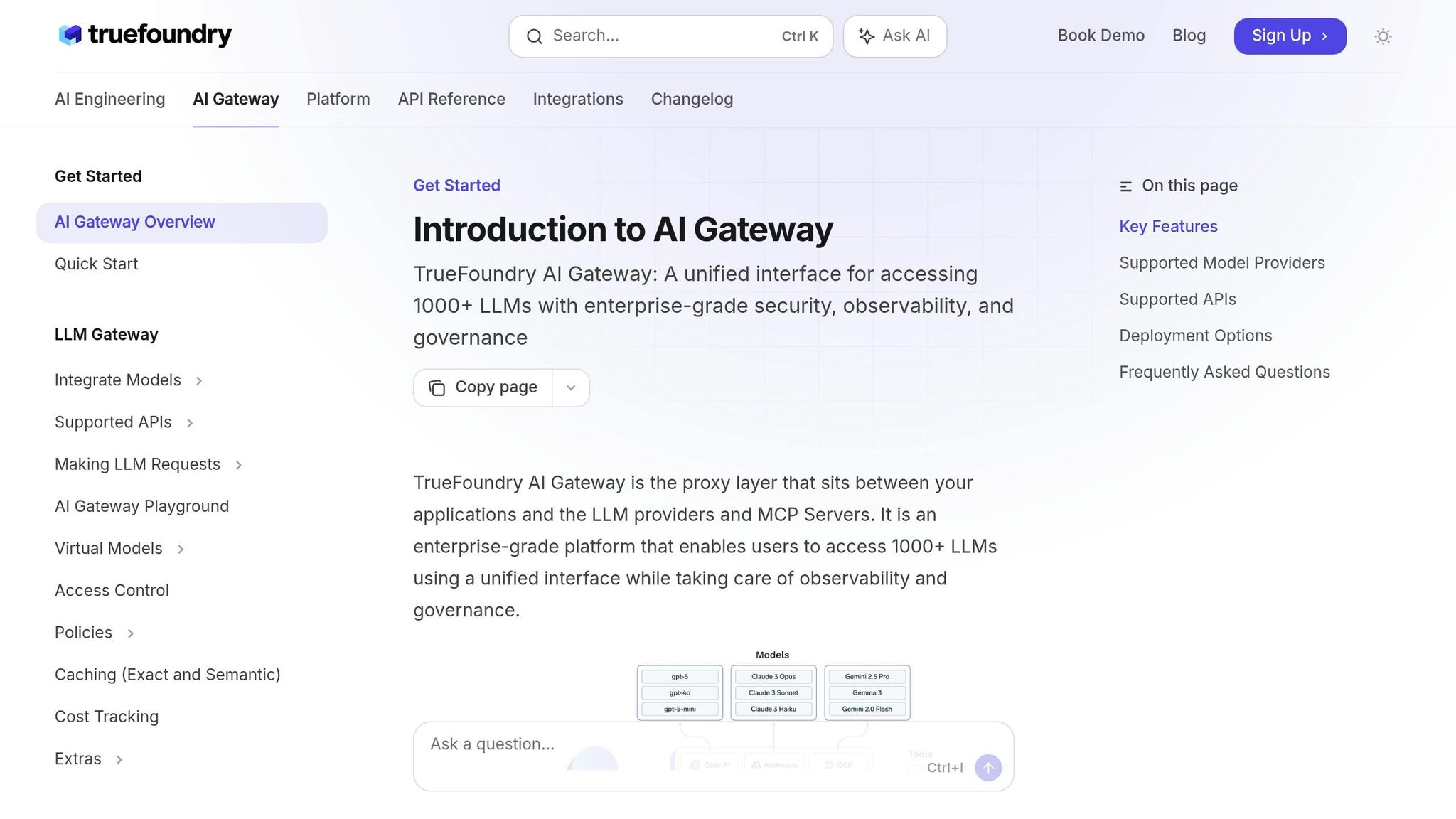
TrueFoundry emphasizes a policy-driven approach. Rate limits are set in YAML and evaluated against an ordered rule list, providing predictable enforcement. Its rate_limit_applies_per feature assigns separate limit instances for unique combinations of dimensions, so individual users and models have isolated quotas.
The gateway uses a Sliding Window Token Bucket algorithm with 60-second windows and 5-second updates, delivering more precise control than fixed-window counters. For self-hosted LLM users, TrueFoundry prevents GPU overload by rate-limiting inference and bursting to cloud APIs when local capacity is maxed out. This fine-grained control keeps the system stable and reliable.
While these tools are purpose-built, many organizations integrate AI-specific plugins into their existing API gateways.
General API Gateways with Plugins
For users of Kong or Apache APISIX, AI-focused plugins provide an easy way to add rate-limiting capabilities.
Kong's "AI Rate Limiting Advanced" plugin tracks token consumption instead of just request counts, supporting model-specific quotas like separate caps for GPT-4 versus a lower-cost model. It also factors in query costs (input + output tokens) rather than just token counts, aligning limits directly with billing.
"This plugin uses the token data returned by the LLM provider to calculate the costs of queries. The same HTTP request can vary greatly in cost depending on the calculation of the LLM providers." (Kong Inc.)
Apache APISIX offers the ai-rate-limiting plugin, which enforces limits on prompt tokens, completion tokens, or total tokens. Redis-backed policies synchronize quotas across multiple nodes in multi-instance setups. Cloudflare AI Gateway, on the other hand, operates as a managed edge solution, enforcing limits near users, automatically retrying 429 responses, and including rate-limiting features in its free tier.
Here is a comparison of key features across popular API gateways:
| Feature | Apache APISIX | Kong AI Gateway | Cloudflare AI Gateway |
|---|---|---|---|
| Limit Basis | Tokens (Prompt/Completion/Total) | Tokens + Cost-based | Requests (fixed/sliding window) |
| Cluster Support | Redis-based | Redis/Cluster/Local | Managed (edge) |
| Pricing | Open-source (self-host free) | AI Gateway Enterprise license | Free tier available |
| Key Strength | Multi-LLM load balancing and fallback | Enterprise governance and cost-based limits | Edge enforcement, automatic 429 retries |
Provider-Level Rate Limits and Tool Integration
When integrating rate-limiting tools, understanding how providers structure their quotas is essential. These tools must align with the specific quota models of each provider, requiring careful configuration to avoid unnecessary bottlenecks.
OpenAI Rate Limits
OpenAI enforces limits at both the organizational and project levels, tracking requests per minute (RPM), tokens per minute (TPM), and requests per day (RPD). Their tiered system scales across five levels based on cumulative spending and account age. For example, Tier 1 starts with a $5 payment and caps usage at $100/month, while Tier 5 unlocks up to $200,000/month after $1,000 in payments and 30 days of account activity.
A key point to note: while the RPM limit can go as high as 60,000, the infrastructure often caps throughput at 1,000 requests per second. This means workloads with sudden bursts may hit "429 Too Many Requests" errors even if they stay under the per-minute limit. Additionally, OpenAI allocates separate rate limit pools for long-context models, allowing multiple independent quotas to operate simultaneously within a single model family.
OpenAI provides headers like x-ratelimit-remaining-tokens and x-ratelimit-reset-requests to help manage throttling dynamically. These headers let tools like token-throttle and adaptive-rate-limiter adjust in real time, avoiding reactive responses to 429 errors. Such features make it critical to fine-tune rate-limiting configurations for OpenAI's nuanced system.
Anthropic and Google Gemini

Anthropic's approach adds more granularity by tracking RPM, input tokens per minute (ITPM), and output tokens per minute (OTPM). This separation of input and output quotas offers flexibility. For high-volume users, Anthropic also offers a Priority Tier, which provides more consistent throughput for production environments.
Google Gemini, on the other hand, structures its limits per project rather than per API key. This distinction has implications for multi-tenant architectures and requires careful planning. Its tier system includes three paid levels, with Tier 3 scaling from $20,000 to $100,000+ per month, contingent on billing account setup and a $1,000 payment made at least 30 days prior. Notably, Gemini resets its RPD quotas at midnight Pacific Time instead of using a rolling 24-hour window, which can affect scheduled batch jobs. Another quirk is that priority inference consumption is capped at 30% of the standard rate limit for each model and tier.
These provider-specific details highlight the importance of flexible tools that can adapt to varying quota structures.
| Provider | Limit Types Tracked | Notable Behavior |
|---|---|---|
| OpenAI | RPM, TPM, RPD | Sub-minute enforcement; separate long-context pools |
| Anthropic | RPM, ITPM, OTPM | Separate input/output token quotas; Priority Tier available |
| Google Gemini | RPM, TPM, RPD | Per-project limits; RPD resets at midnight PT |
Cost and Usage Monitoring Tools
Rate-limiting tools help you decide when to slow down, but cost and usage monitoring tools dig into why adjustments might be necessary. They can also help prevent unexpected expenses. By aligning cost insights with rate limits, developers can fine-tune their API workflows more effectively.
Langfuse
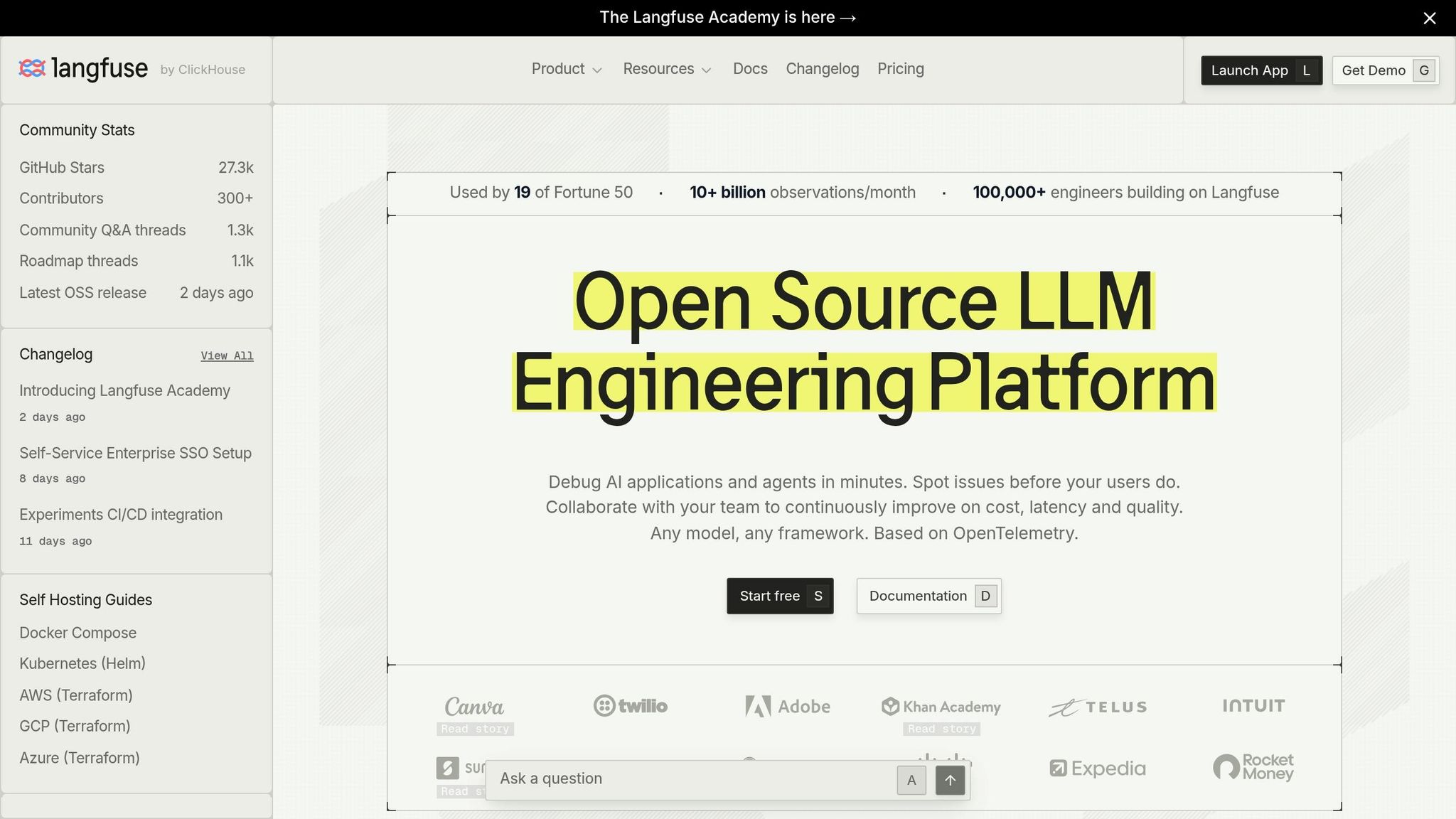
Langfuse stands out as an open-source observability tool designed to track per-request costs, token usage, and latency across different providers. It even breaks down token usage by type. This level of detail becomes crucial when working with models like Claude 3.5 or Gemini 1.5, where pricing tiers can shift dramatically if your input crosses 200,000 tokens per request.
Langfuse is free to self-host, with cloud-hosted plans starting at $29 per month. A key feature is its Metrics API, which streams live usage data directly into your rate-limiting logic. This turns it from just a passive dashboard into a more active tool for managing dynamic throttling.
That said, Langfuse operates post-hoc, meaning it reports only after an API call is completed. This delay can leave room for runaway scenarios. A striking example involved a LangChain agent that retried for 11 days, racking up $47,000 in API charges. To avoid such disasters, teams often pair Langfuse with proactive tools like costfuse (Apache 2.0, free) or llm-spend-guard (MIT, free Node.js package). Both tools estimate costs before requests are sent and block them if they exceed a set budget.
"The guard sits between your code and the LLM SDK. It estimates cost before sending, blocks if over budget, and tracks actual usage after the response." (Ali Raza Arain, creator of llm-spend-guard)These tools complement Langfuse by adding proactive cost control, which pairs well with rate-limiting strategies.
Using R2clickthrough as a Resource
Choosing the right solution (whether it is proxy-based, an SDK decorator, a dashboard, or a circuit breaker) depends on factors like deployment complexity, data residency requirements, and instrumentation needs. R2clickthrough provides in-depth comparisons, covering pricing, limitations, and tradeoffs. It is a useful resource for evaluating local-first tools like BurnRate or TokenBudget against cloud-managed options.
Comparing Tools: Which One Fits Your Workflow?
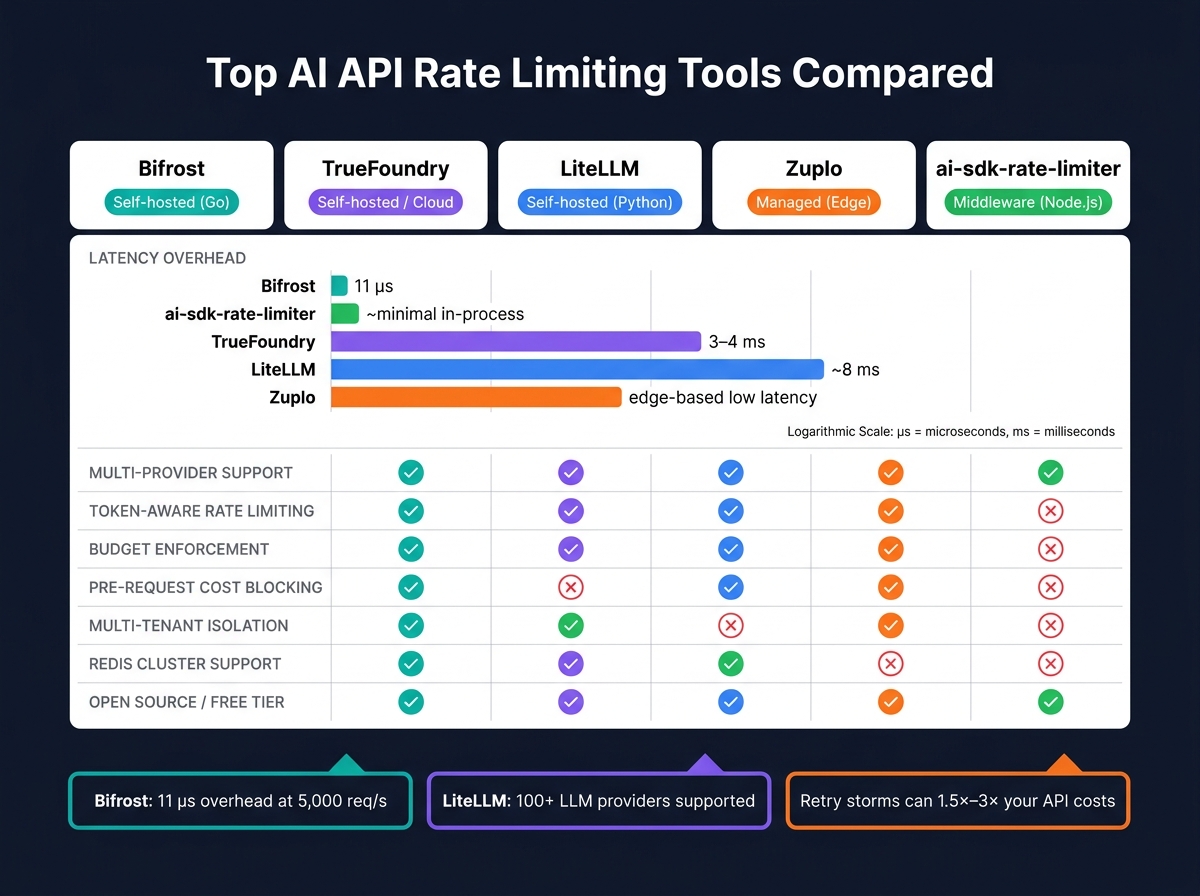
Top AI API Rate Limiting Tools Compared: Latency, Deployment and Features
Building on the evaluation criteria, here is how various rate-limiting tools align with different technical workflows.
Deployment Models and Scope
Your first major decision revolves around infrastructure ownership. Managed solutions like Zuplo operate across over 300 global Points of Presence by default. This setup offers globally consistent counters without requiring you to manage a Redis cluster, though it does come with an extra network hop and some reliance on the vendor. On the other hand, self-hosted options such as Bifrost (Go) and TrueFoundry run directly within your infrastructure using Docker or Kubernetes. These are particularly useful if you have to comply with strict EU or US data residency requirements. For example, Bifrost introduces just 11 microseconds of latency per request, while TrueFoundry adds 3 to 4 milliseconds and supports over 350 requests per second on a single vCPU. If you are working with Python, LiteLLM is another self-hosted option, adding about 8 milliseconds per request.
For smaller projects, middleware libraries like ai-sdk-rate-limiter are worth considering. These integrate directly into your application and rely on local synchronization via Redis, making them a lightweight choice for simpler use cases.
| Tool | Deployment | Latency Overhead | Multi-Provider Support |
|---|---|---|---|
| Bifrost | Self-hosted (Go) | 11 us | Yes |
| TrueFoundry | Self-hosted / Cloud | 3 to 4 ms | Yes |
| LiteLLM | Self-hosted (Python) | ~8 ms | 100+ providers |
| Zuplo | Managed (Edge) | Low (edge-based) | Yes |
| ai-sdk-rate-limiter | Middleware (Node.js) | Minimal (in-process) | Via SDK |
Next, here is how these tools handle rate limits and manage budgets under different workloads.
Rate-Limit and Budget Features
Budget enforcement tools generally fall into two categories: reactive and proactive. Pre-request blockers like llm-spend-guard and limitrate estimate token costs before sending a call. If a request would exceed the defined cap, it gets rejected upfront, which is particularly useful for avoiding runaway agent scenarios.
For high-throughput parallel workloads, token-throttle takes a different approach. It reserves the maximum token count upfront and refunds any unused portion after the response is processed. This keeps token buckets accurate without unnecessary blocking. Meanwhile, llm-rate-guard boosts your RPM ceiling by routing requests across multiple AWS Bedrock regions simultaneously, leveraging regional limits to scale your throughput.
"Rate limiting is more than a backend control. It is a critical enabler for reliable, cost-efficient, and fair usage of LLM infrastructure at scale." (TrueFoundry)
Multi-tenancy is another feature to consider. Both llm-spend-guard and ai-sdk-rate-limiter provide isolated rate limit windows for individual users or organizations. This separation prevents one tenant's activity from disrupting another's quota, which is especially important for SaaS products that need to maintain predictable costs and fair usage.
FAQs
How do I pick the right rate-limit tool for my workload?
Start by classifying your workload. For single-app projects under 5,000 RPS, an in-process library like ai-sdk-rate-limiter or openlimit is enough. For multi-team or multi-provider production traffic, a self-hosted gateway like Bifrost (11 us overhead) or LiteLLM Proxy (8 ms, 100+ providers) is the better fit. For edge enforcement with no infrastructure to manage, use Cloudflare AI Gateway or Zuplo.
How can I prevent 429 retry storms from spiking my bill?
Combine three controls: (1) exponential backoff with jitter on the client, (2) a pre-request budget guard like llm-spend-guard or costfuse that estimates token cost and blocks the call if it would exceed your cap, and (3) gateway-level RPM/TPM limits that queue or reject surplus requests. Retries alone can multiply request cost by 1.5x to 3x, and a single misconfigured client has been documented to burn through $15,000 in 48 hours.
What's the best way to handle multi-tenant quotas across providers?
Use a gateway with hierarchical limits (virtual key > team > customer) backed by Redis for cross-instance coordination. Bifrost and TrueFoundry both support this natively. TrueFoundry's rate_limit_applies_per assigns isolated quota instances per (user, model) combination so one noisy tenant cannot drain another's allotment. Pair this with token-aware tracking, since input/output token mix varies dramatically by provider (Anthropic splits ITPM and OTPM; OpenAI lumps them as TPM).
Why do I hit 429 even though I'm under my RPM limit?
OpenAI's advertised RPM (up to 60,000) is enforced sub-minute and effectively caps at 1,000 requests per second. A burst at the top of a minute will trip the per-second ceiling before the per-minute counter is exhausted. Smooth your traffic with a token bucket on the client side, or use a gateway like TrueFoundry with a 5-second sliding window update.
Comments