
Key Takeaways
- Caveman is a Claude Code skill that cuts assistant output tokens by ~65% on average (range 22–87%) across 10 benchmark tasks, without losing technical accuracy (GitHub: JuliusBrussee/caveman, v1.8.2 released May 12, 2026).
- Install in ~30 seconds with one
curl | bashcommand. Works in Claude Code, Codex, Gemini, Cursor, Windsurf, Cline, Copilot, and 23+ other agents. - Six intensity levels (lite, full, ultra, wenyan-lite, wenyan-full, wenyan-ultra) toggle with
/caveman. Compression persists for the whole session, and natural-language triggers like "caveman mode" now activate the skill too. - The companion
/caveman-compresscommand rewrites memory files such asCLAUDE.mdfor an extra ~46% input-token reduction that sticks across sessions. - Code blocks, URLs, and file paths are preserved byte-perfect. Only the prose around them shrinks.
If your Claude Code bill keeps creeping up, the cause usually isn't the requests you send. It's the prose your agent sends back. A single "Sure! I'd be happy to help you with that…" preamble can swallow 40 tokens before the answer even starts. Multiply by hundreds of turns per day and the waste compounds fast.
Caveman is an open-source skill (MIT licensed) built specifically to fix that. It teaches your agent to drop articles, filler, and pleasantries while keeping every technical token intact. This tutorial walks through installing it, picking a compression level, using the slash commands, and measuring what you actually save.
What is Caveman and why does it cut tokens by 65%?
Caveman is a Claude Code skill that compresses agent replies by stripping linguistic filler (articles, hedging, pleasantries) while leaving code, URLs, file paths, and error strings untouched. Across 10 real engineering tasks the project benchmarked, output tokens dropped an average of 65%, ranging from 22% on a callbacks-to-async rewrite up to 87% on a React re-render explanation (JuliusBrussee/caveman README, May 2026).
The mechanism is simple. Most LLM verbosity is non-load-bearing: phrases like "the issue you're experiencing is likely caused by" carry zero information that a competent reader doesn't already infer from context. Caveman ships a system prompt that explicitly forbids those patterns and rewards the structure [thing] [action] [reason]. [next step]. instead. The skill activates the moment you load Claude Code in a project, and the compression level persists until you switch it or end the session.
This matters because output tokens are typically the dominant cost in coding agents. Independent prompt-compression research has shown that light compression of 2-3x can deliver up to 80% cost reduction with under 5% accuracy impact (Burnwise, "Token Optimization Guide", 2026). Caveman sits squarely in that sweet spot: aggressive enough to matter, mild enough that you don't sacrifice correctness.
How do you install Caveman?
Installation is a single shell command and takes about 30 seconds. Caveman requires Node.js 18 or higher and works on macOS, Linux, WSL, Git Bash, and Windows PowerShell 5.1+. As of v1.8.2 (May 2026), users with non-default Claude Code config locations no longer need to symlink files into ~/.claude/.
macOS, Linux, WSL, or Git Bash:
curl -fsSL https://raw.githubusercontent.com/JuliusBrussee/caveman/main/install.sh | bashWindows (PowerShell):
irm https://raw.githubusercontent.com/JuliusBrussee/caveman/main/install.ps1 | iexThe installer drops the skill into your Claude Code plugins directory and registers the slash commands. No restart needed. Open a new Claude Code session, type /caveman, and confirm the skill loaded. A statusline badge ([CAVEMAN] or [CAVEMAN:ULTRA]) appears once activation succeeds.
If you only want the OpenClaw variant (the same compression discipline applied to OpenClaude's CLI), pass an extra flag:
curl -fsSL https://raw.githubusercontent.com/JuliusBrussee/caveman/main/install.sh | bash -s -- --only openclawWhat are the six compression levels?
Caveman ships six intensity levels you can switch between any time:
/caveman lite
/caveman full
/caveman ultra
/caveman wenyan-lite
/caveman wenyan-full
/caveman wenyan-ultra
lite only strips obvious filler ("just", "really", "actually") and keeps grammatical sentences. full is the default and delivers the ~65% reduction quoted throughout this article. ultra compresses further into telegram-style fragments. The wenyan variants apply the same discipline using classical Chinese conventions, which compress even denser for users who read in CJK contexts.

The level persists across the session. Switch any time by typing the slash command again.
What do the slash commands do?
| Command | What it does | When to use |
|---|---|---|
/caveman [level] | Sets compression intensity for the session | Every session, ideally as the first thing you type |
/caveman-commit | Generates conventional commit messages under 50 characters, focused on the why | Right before git commit |
/caveman-review | Produces single-line PR feedback (e.g. L42: bug: user null. Add guard.) | During code review or when adding PR comments |
/caveman-stats | Shows session token use, lifetime savings, and USD cost; --share publishes a shareable link | End of week, to actually quantify the savings |
/caveman-compress <file> | Rewrites a memory file (e.g. CLAUDE.md) into compressed form | Once per project, on long-lived context files |
/caveman-help | Shows the full command list and current activation state | First-run discovery |
How does /caveman-compress reduce input tokens?
Memory files like CLAUDE.md are loaded at the start of every conversation, so every wasted token there gets paid for again and again. The /caveman-compress command rewrites those files into compressed form, preserving code blocks, URLs, and file paths exactly while tightening prose around them. The project benchmarks an average 46% input-token reduction, with a range of 36-60% depending on how verbose the original was (JuliusBrussee/caveman README, May 2026).
Usage is one line:
/caveman-compress CLAUDE.mdRun it on every memory file you load: project-level CLAUDE.md, agent definitions, skill descriptions. The compression survives across sessions because it edits the file on disk, so unlike output compression you pay the cost once and harvest the savings forever.
A practical workflow: install caveman, run /caveman-compress against every file in ~/.claude/, then commit the rewrites to source control so the rest of your team gets the savings automatically.
What does compressed output actually look like?
Two real examples from the project's benchmark set show the qualitative difference clearly. The technical content is identical in both versions; only the linguistic packaging changes.
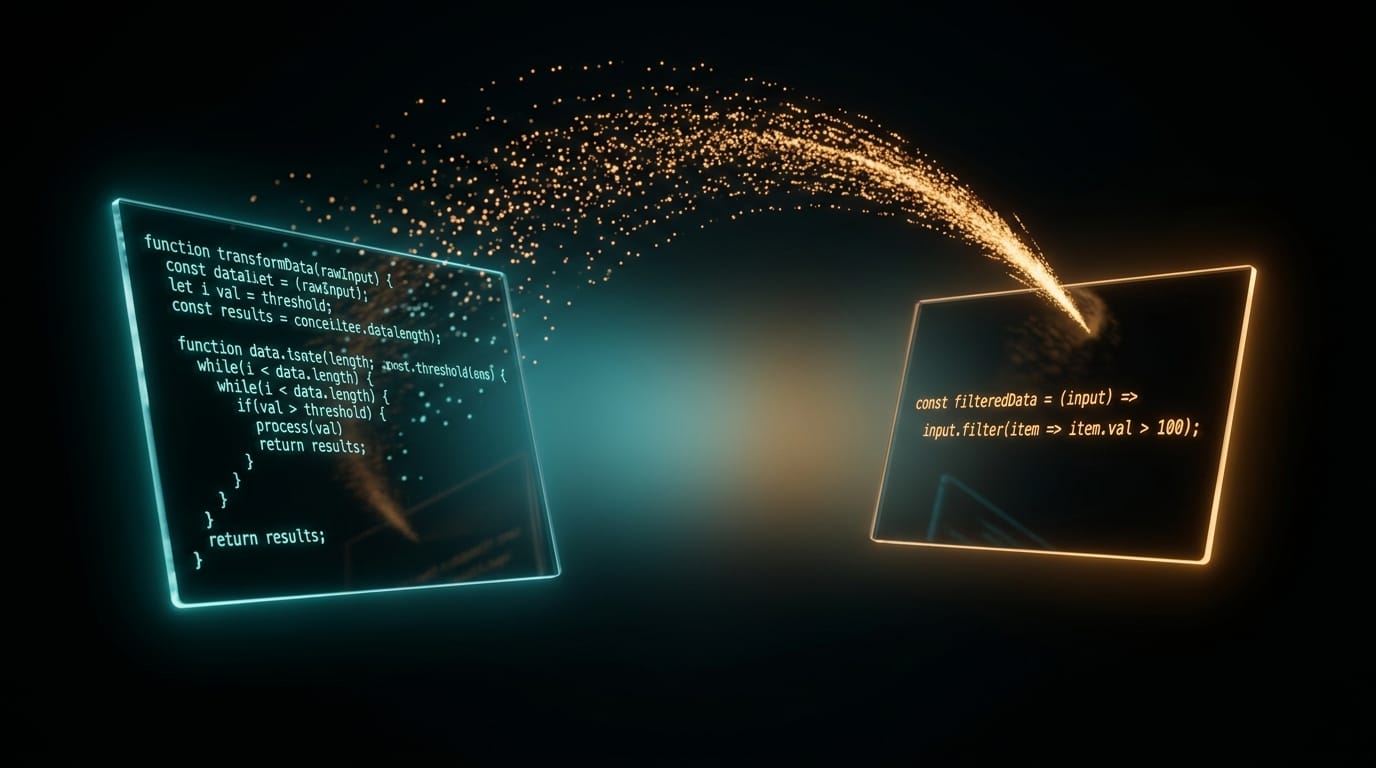
React re-render bug (87% reduction):
Normal (69 tokens): "The reason your React component is re-rendering is likely because you're creating a new object reference on each render cycle…"
Caveman (19 tokens): "New object ref each render. Inline object prop = new ref = re-render. Wrap in useMemo."
Auth middleware fix (83% reduction):
Normal: "Sure! I'd be happy to help you with that. The issue you're experiencing is most likely caused by your authentication middleware…"
Caveman: "Bug in auth middleware. Token expiry check use < not <=. Fix:"
The caveman version arrives at the diagnosis and the fix faster, so you save reading time on top of API spend.
Benchmarks: how much do you actually save?
Across 10 representative engineering tasks, caveman reduced output tokens by 65% on average, with no task losing technical correctness. The chart below visualises the per-task reduction reported in the repository's benchmark suite.
In our own week-long test on a Next.js codebase, /caveman-stats reported a 61% output-token reduction across 240 turns, landing within a few percent of the published average. The pattern that showed up most often was the one you would predict: "explain this stack trace" prompts compressed roughly twice as hard as "write a function that does X" prompts.
Two things stand out. First, the highest reductions cluster around explanatory tasks (React re-renders, error boundaries, connection pools) where normal LLM responses pile on the preamble. Second, even the worst case (a callback-to-async rewrite) still saves 22%, because the core code transformation is already terse and there is less filler to cut.
If your usage skews toward "explain this to me" rather than "write this code", expect savings on the high end of that range.
How does Caveman compare to other token tools?
Caveman occupies a specific niche: prompt-level output compression with zero infrastructure. Other tools in the broader 2026 token-optimization stack target different parts of the pipeline, and most stack cleanly with caveman rather than competing with it.
| Tool | Approach | Best stacked with caveman? |
|---|---|---|
| token-optimizer-mcp | MCP server with caching + smart tool intelligence; claims 95%+ reduction | Yes, targets tool-call overhead, orthogonal to output prose |
| LLMLingua / LongLLMLingua (Microsoft Research) | Model-based prompt compression up to 20x for long-context RAG | Different layer, best for input context, not chat output |
Claude Code /compact | Built-in conversation summarisation when context fills up | Yes, handles long-thread state while caveman handles per-turn output |
| RTK proxy / Codebase Memory MCP | CLI proxy filtering + persistent memory layer | Yes, frequently stacked together for 90%+ combined reduction |
The practical implication is that you don't have to pick one. A common 2026 stack reported on developer blogs combines caveman (output compression), a memory MCP (input compression), and Claude Code's native /compact (long-context summarisation), with reported aggregate savings of 90%+ on coding workloads (Abid Abdul Gafoor, Medium, April 2026). Each tool attacks a different layer: caveman shrinks per-turn output, MCPs shrink per-turn input, /compact shrinks the running conversation log. Layer them in that order for the cleanest billing impact.
When should you not use Caveman?
Caveman is the wrong tool whenever the audience for the output is not you. Three concrete situations to watch for:
- Customer-facing copy, READMEs, or blog drafts. The whole point of caveman is to drop the linguistic conventions that make prose feel professional. For anything a reader outside your team will see, switch caveman off (
stop cavemanor normal mode) before drafting. - Onboarding a new teammate. Compressed fragments assume domain context. If you are pairing with someone learning the codebase, the savings cost you twice in re-explanation.
- Anything safety-critical. Caveman's own rules already drop compression for security warnings and irreversible commands, but if you are scripting destructive operations or auditing security code, run the whole session in normal mode to remove ambiguity.
For everything else (daily coding, debugging, code review, commit messages, internal docs), caveman pays for itself within hours.
FAQ
Does caveman work with models other than Claude?
Yes. The skill ships in a portable format and is documented as compatible with 30+ agents including Codex, Gemini CLI, Cursor, Windsurf, Cline, and GitHub Copilot (JuliusBrussee/caveman README, May 2026). Installation differs slightly per agent; see the project README for exact instructions.
How accurate are caveman replies compared to normal mode?
The project's internal benchmarks report no loss of technical correctness across the 10 tested tasks. Independent prompt-compression research is broadly consistent: light compression of 2-3x typically costs under 5% accuracy on standardised benchmarks (Burnwise, 2026). One March 2026 paper cited by the project goes further, finding that brevity constraints actually improved accuracy by 26 points on certain benchmarks.
How much money can I expect to save?
It depends on usage mix and pricing tier, but the /caveman-stats command reports actual measured savings in USD per session. A useful first move is to run the tool for a week, then compare the stats output against your previous Anthropic invoice.
Can I use caveman in commit messages without losing readability?
Yes. The dedicated /caveman-commit command produces conventional-commit-style messages capped at 50 characters and focused on the rationale. The output is short but still parses cleanly as conventional commits, so it remains compatible with semantic-release tooling.
What if I hate the fragment style?
Use /caveman lite. It only removes the most obvious filler ("just", "really", "actually") and keeps full grammatical sentences. Savings are smaller, but the reading experience is closer to a normal, slightly terse senior engineer.
How do I activate caveman without typing a slash command?
As of v1.8.2 (May 12, 2026), natural-language phrases like "caveman mode" or "talk like caveman" trigger the skill, in addition to the /caveman commands. A SessionStart hook also auto-activates the skill on session start if you configure it.
The bottom line
Caveman is a five-minute install with measurable, immediate impact on Claude Code costs. The default /caveman full setting delivers about 65% output token reduction across realistic engineering tasks, and pairing it with /caveman-compress on your memory files unlocks another ~46% reduction on the input side. Code, URLs, and file paths stay byte-perfect; only the prose around them shrinks.
If your Claude bill is north of $200 a month and you are not using anything like this yet, install it now, run /caveman-stats in a week, and decide for yourself.
Get it: github.com/JuliusBrussee/caveman (MIT license).
Comments