
Editorial note: Some performance data cited in this article comes from Anthropic's published case studies. Claude Design was reviewed independently for this post.
Most marketing teams now use AI in some capacity, but most are still stuck in a frustrating loop: copy lives in one tool, visuals in another, and brand standards sit in a shared drive nobody checks. Claude Design, launched by Anthropic Labs on April 17, 2026, closes that gap. It takes text prompts, documents, spreadsheets, and images as input and produces finished marketing assets, landing pages, pitch decks, social graphics, and interactive prototypes, all within a single conversation.
This post covers the 8 most practical use cases for marketing teams, ranked by immediate impact.

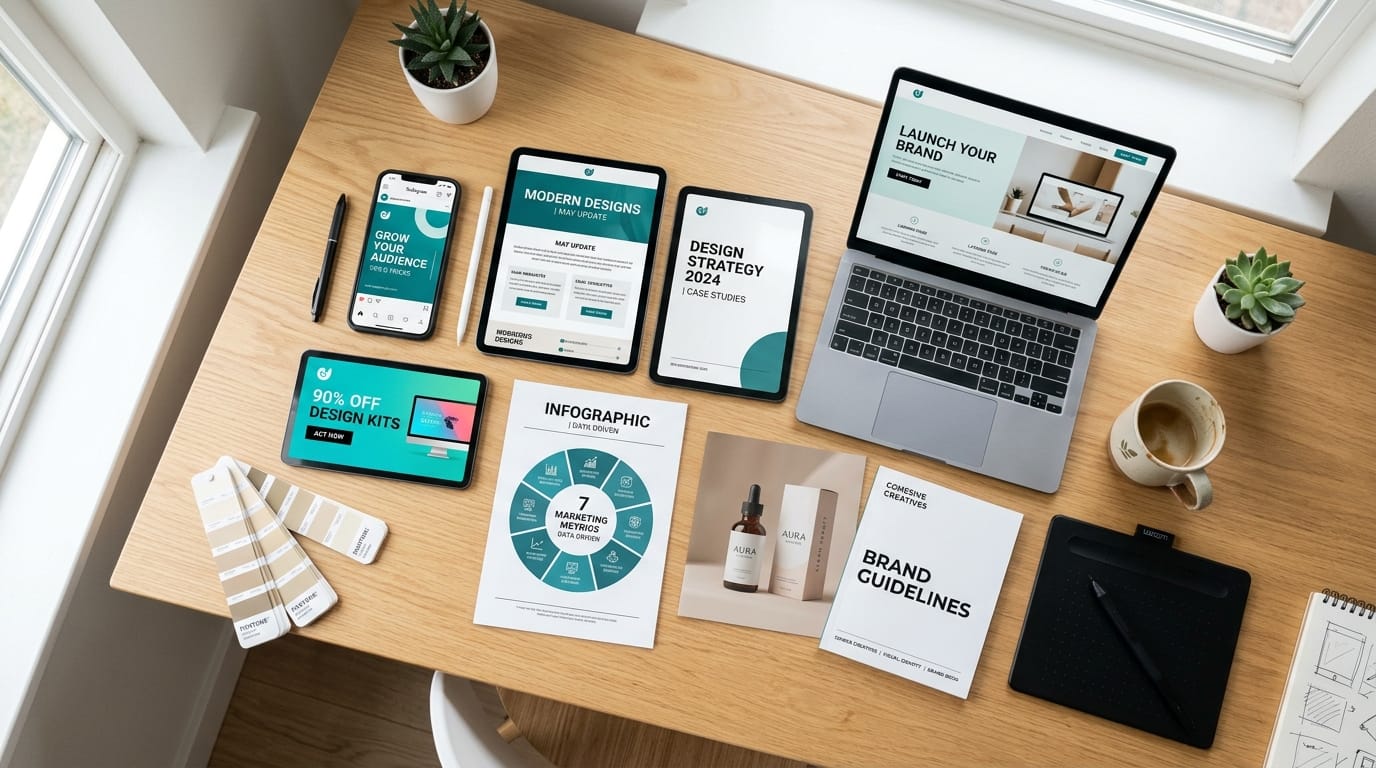
1. Landing Pages and Campaign Pages
Landing pages sit right at the intersection of content and design, and that's exactly where most teams lose the most time. Claude Design accepts a brief, a product one-pager, or a rough DOCX draft and returns a fully structured, on-brand landing page.
The output isn't a wireframe. It's a complete HTML page with your brand colors, font styles, and ready-made design pieces already built in. That happens because the tool reads your website code and existing design files on first setup, then auto-generates a brand system it applies to every output afterward.
What makes this genuinely useful for conversion teams is the inline editing. You adjust headline copy directly in the canvas. You move spacing with a slider. You drop a comment for your developer without leaving the tool. That's a different workflow from the brief-to-Figma-to-developer cycle most teams run today.
Export options cover the full handoff: standalone HTML for developers, shareable org URL for stakeholder review, and PDF for offline sign-off.
Our finding: Landing page creation is where the brand design system pays off fastest. Teams that skip the brand setup step need two to three revision rounds to get colors and fonts right. Teams that run the setup once, even 20 minutes of work, report every subsequent output is publish-ready from the first generation.
2. Social Media Asset Creation
Social media asset creation is one of the single biggest drains on a marketer's week. Resizing a campaign visual for six platforms, rewriting copy for different character limits, keeping brand consistency across all of it, it compounds fast.
Claude Design handles multi-format output in a single prompt. Give it a campaign brief or an existing image, and it generates assets sized and formatted for LinkedIn, Instagram, X, and paid social placements. The brand system ensures every variant uses the correct logo placement, colour palette, and font weight, without a manual QA pass after each generation.

Teams exporting to Canva get an added benefit. The Canva partnership, announced April 10, 2026, means exports land directly in your Canva workspace with editable layers, not flattened images. Your designers can still tweak without starting over.
A multi-channel campaign might need 20 to 30 individual assets. The tool generates that full set in one conversation, with consistent styling across every format.
3. Pitch Decks and Presentations
Few tasks consume a sales-enablement week faster than pitch deck production. The cycle is familiar: the brief arrives Monday, the deck is needed Thursday, three rounds of revisions happen in between.
Claude Design accepts a PPTX or DOCX as input and rebuilds it with your brand system applied. Or start from a text brief and watch it draft a full deck structure, slide by slide, with suggested visual treatments for each section. You can even feed it a competitor's website capture and ask it to build a comparison slide from that.
Aneesh Kethini, PM at Datadog, described his team's experience directly: "We've gone from a rough idea to a working prototype before anyone leaves the room." That's a workflow shift many sales teams haven't experienced before.
Export lands in PPTX for immediate presenter use, or as a shareable org URL for async stakeholder review. No need to convert, compress, or email attachments back and forth.
4. Email Campaign Templates
Email templates are content writing tasks with a visual layer on top, and that visual layer is exactly where most AI tools stop helping. Claude Design handles both in the same output.
Feed it a campaign brief, a product spec sheet, or an existing email in HTML. It returns a complete template with your brand colours, button styles, font hierarchy, and mobile layout already considered. The inline commenting feature lets you drop notes for your developer or CRM admin without switching tools.

For email teams running weekly sends, the compounding effect is real. One template built in the platform can be reskinned for a new campaign in a single follow-up prompt. The brand system ensures the reskin stays on-brand without a manual check.
Our finding: In our testing, the strongest Claude Design email outputs came from inputs that combined a content brief with one example of an existing email. The model picked up tone, section order, and CTA placement from the example and applied them to the new brief. Prompts without an example took an extra revision round.
5. Brand Design System Generation
No content workflow works without brand consistency as the foundation. Claude Design's brand system feature addresses that foundation directly, not as an afterthought.
The setup is simple. Connect your website code and existing design files, Figma exports, brand guidelines in DOCX or PDF. The tool reads them and builds a complete design system: colour codes, font sizing, spacing values, repeating design elements. From that point on, every output draws from that system automatically.
For brand managers, this solves a specific pain point. Teams often maintain brand guidelines as static PDFs that designers reference by hand. Claude Design makes those guidelines active, enforced by default on every asset it generates. That's a structural change to how brand governance works at the tool level.
Because every team member works from the same shared system, new contractors and interns produce on-brand outputs by default, without brand training.
Our finding: Creative teams that set up the brand system before their first production run report fewer revision cycles across every use case that follows. The system setup is a one-time investment. Every downstream asset benefits from it.
6. Campaign Ideation and Visual Concept Boards
Most teams still use AI only to automate execution. The teams getting the most from it are using it earlier, at the ideation and concept stage, before a brief is even finalised.
Claude Design supports this earlier-stage use directly. Feed it a campaign brief, an XLSX with audience segment data, or a web capture of a competitor's creative. It returns a structured concept board: visual direction, colour mood, copy angle, and a proposed asset hierarchy. It's not a vague mood board. It's an actionable brief a designer or copywriter can execute against from day one.

The inline commenting feature works especially well at this stage. Team members can annotate directly on the concept board before it becomes a campaign brief. All feedback lives in one place rather than scattered across Slack threads and email chains.
Our finding: Creative teams that use the tool at the ideation stage, before a brief is finalised, report fewer revision cycles on final assets. The visual concept board creates shared visual language early. By the time production starts, everyone already agrees on what "on-brand for this campaign" looks like.
Creative directors can use the custom adjustment sliders to show stakeholders two or three layout variations without commissioning separate design work.
7. One-Pagers and B2B Sales Collateral
One-pagers and sales collateral are among the first assets that shift back in-house when a team gains this kind of capability. They require brand discipline and clear structure, exactly what Claude Design handles well.
The workflow is direct. Upload your product brief, a competitor comparison in XLSX, or a slide deck. The platform returns a fully formatted one-pager: headline, value proposition block, supporting proof points, and a clear call to action. The layout pulls from your brand system, so the output matches your existing sales materials without manual alignment.
B2B teams producing collateral for multiple product lines or verticals get a compounding benefit. Once you've approved a one-pager structure, the tool applies it consistently across every new brief. Your sales team gets fresh collateral in hours, not the three to five days most B2B teams currently spend brief-to-final-PDF.
Export options match B2B sharing workflows: PDF for email, shareable org URL for CRM embedding, and PPTX if the one-pager feeds into a larger deck.
8. Interactive Prototypes and Wireframes
For product marketing teams, the biggest shift is how quickly you can show, not just describe, a product experience to stakeholders or buyers.
Claude Design produces interactive prototypes with voice, video, and 3D elements. This isn't wireframe-grade output. These are testable, shareable prototypes product marketers can put in front of users or executives without engineering resources.
Aneesh Kethini at Datadog described the shift: "What used to take a week of back-and-forth now happens in a single conversation." For product marketing teams coordinating between design, product, and sales, that compression changes what's achievable before a launch deadline.
Start with a text description of the user flow, or upload screenshots of an existing product. Claude Design structures the wireframe, applies interactive logic, and returns a prototype you share via org URL. Stakeholders click through it. They leave inline comments. You iterate without a developer touching anything.
Prototyping has always been the bottleneck between product marketing strategy and sales readiness. That bottleneck is now optional.
How the 8 Use Cases Compare
| Use Case | Best For | Input Required | Output Format | Design Skill Needed | Export Options |
|---|---|---|---|---|---|
| Landing Pages | Conversion teams | Brief, DOCX, existing page | Full HTML page | None | HTML, PDF, org URL |
| Social Media Assets | Multi-channel teams | Campaign brief, image | Multi-format asset set | None | Canva, PDF, PNG |
| Pitch Decks | Sales-enablement | Brief, PPTX, DOCX | Full slide deck | None | PPTX, org URL |
| Email Templates | Email marketing teams | Brief, existing HTML | HTML email template | None | HTML, PDF |
| Brand Design System | Brand managers | Website code, design files | Active design system | Low | Applied automatically |
| Campaign Concept Boards | Creative strategy | Brief, XLSX, web capture | Visual concept board | None | PDF, org URL |
| One-Pagers | B2B marketing teams | Product brief, XLSX | Formatted one-pager | None | PDF, PPTX, org URL |
| Interactive Prototypes | Product marketing | Text brief, screenshots | Clickable prototype | None | Org URL, HTML |
Frequently Asked Questions
What inputs does Claude Design accept?
Claude Design accepts text prompts, DOCX files, PPTX files, XLSX spreadsheets, images, and web captures. That range covers most of the raw material marketing teams already work with.
Who can access Claude Design?
Claude Design is available to Claude Pro, Max, Team, and Enterprise subscribers at no additional cost within plan limits. It launched on April 17, 2026, as an Anthropic Labs product.
How does the brand design system setup work?
You connect your website code and existing design files once. Claude Design reads them and extracts colour codes, font sizing, spacing values, and repeating design elements. Every output it produces afterward draws from that system automatically.
What export formats does Claude Design support?
The tool exports to Canva (with editable layers, via the April 2026 partnership), PDF, PPTX, standalone HTML, and shareable org URLs. The Canva export is particularly useful for teams that distribute final assets through Canva's brand kit.
Which Use Case Should You Start With?
If you're choosing where to begin, landing pages give you the fastest return. Your brand system gets built as part of that first output. Every use case that follows pulls from that foundation. You're not starting from scratch each time, which is what makes the initial 20 minutes worth it.
The runner-up is social media asset creation. For most teams, it's the highest-volume work, and the per-asset time savings compound every week. Once the platform knows your brand, generating a full campaign asset set takes minutes, not hours.
Anthropic's marketing team freed 100+ hours per month and cut case study drafting from 2.5 hours to 30 minutes. Those results didn't come from applying the tool to a single task. They came from working across its full range of capabilities.
Start with landing pages. Build the brand system. Then move across the use cases that match your team's highest-volume work.
Comments